
 Open Client Check
 Open COC / ESC
Filling in a COC by hand is mostly repetition: the address, the contact, the electrician and the registration number go on every certificate, and the test results go on a separate sheet. In COC / ESC the job details are typed once per job and picked after that, and the test sheet sits inside the certificate, so a COC takes four steps.
Before the first certificate
Register with your email at accounts.adamelectrical.co.nz and start the trial on the account page; the app signs in with a 6-digit code sent to that email. Three lists in Settings are filled in once and used from then on:
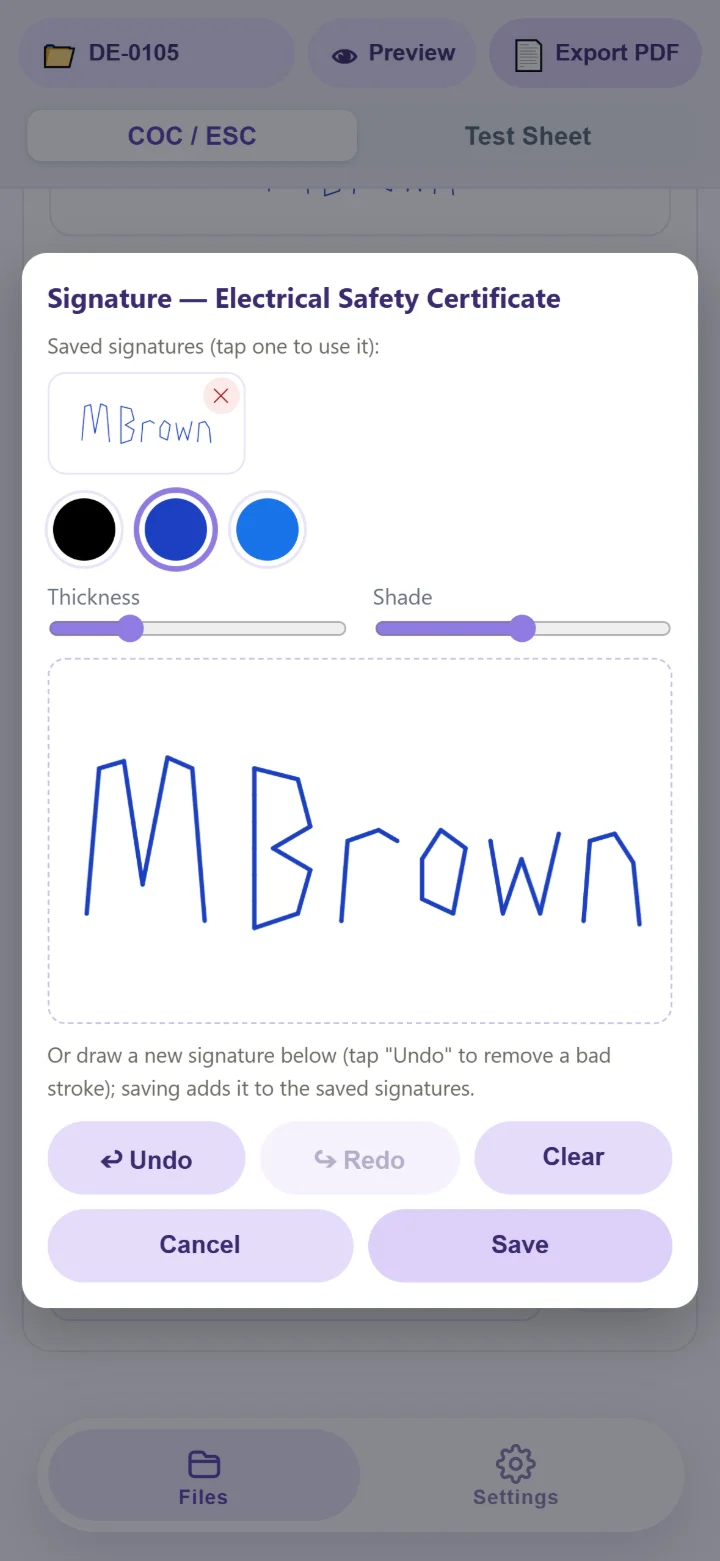
- People: each electrician's name, type, registration or practising licence number, phone and email, kept under people and signatures.
- Companies: the name, details and logo of each company a job folder can use.
- SDoC: the SDoC links you use, each under a name you will recognise.
Step 1: one folder per job
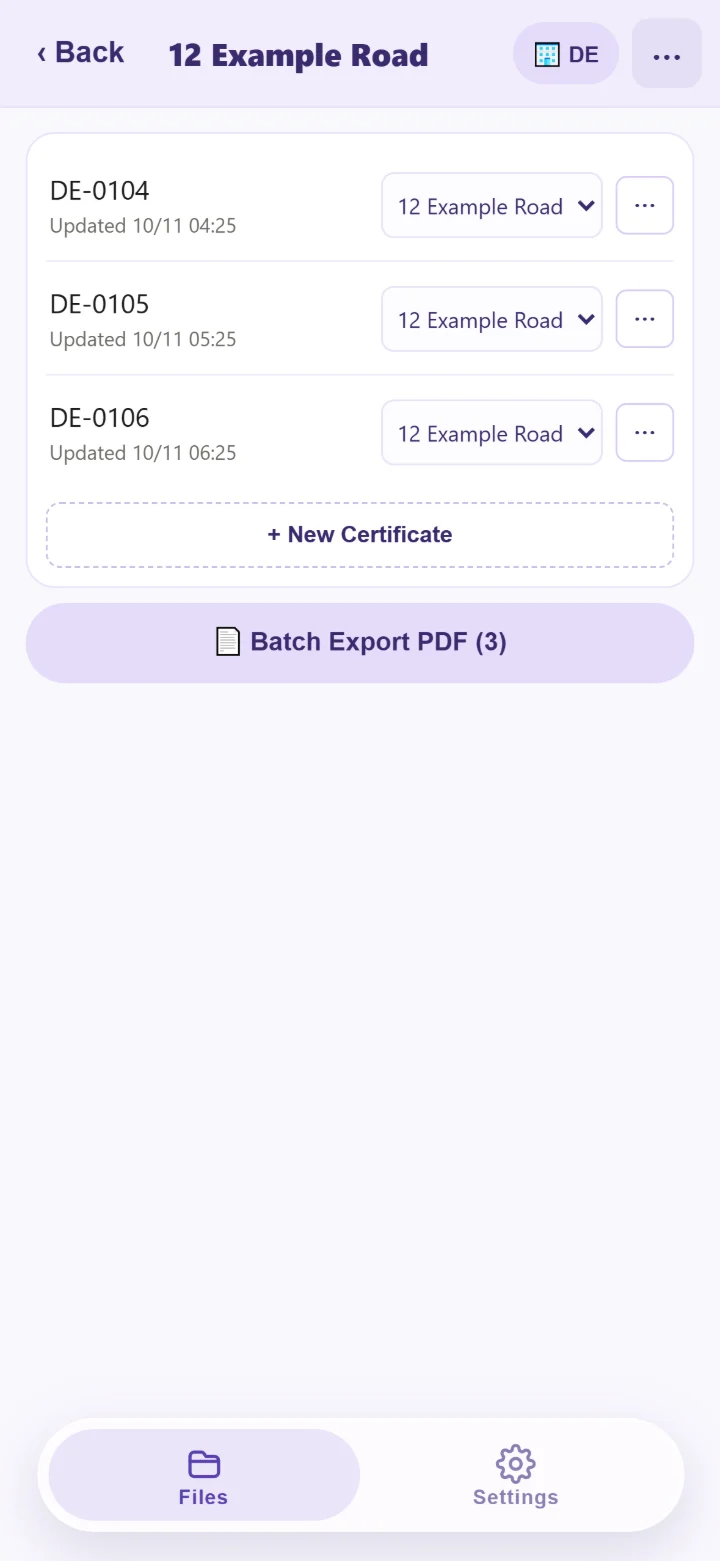
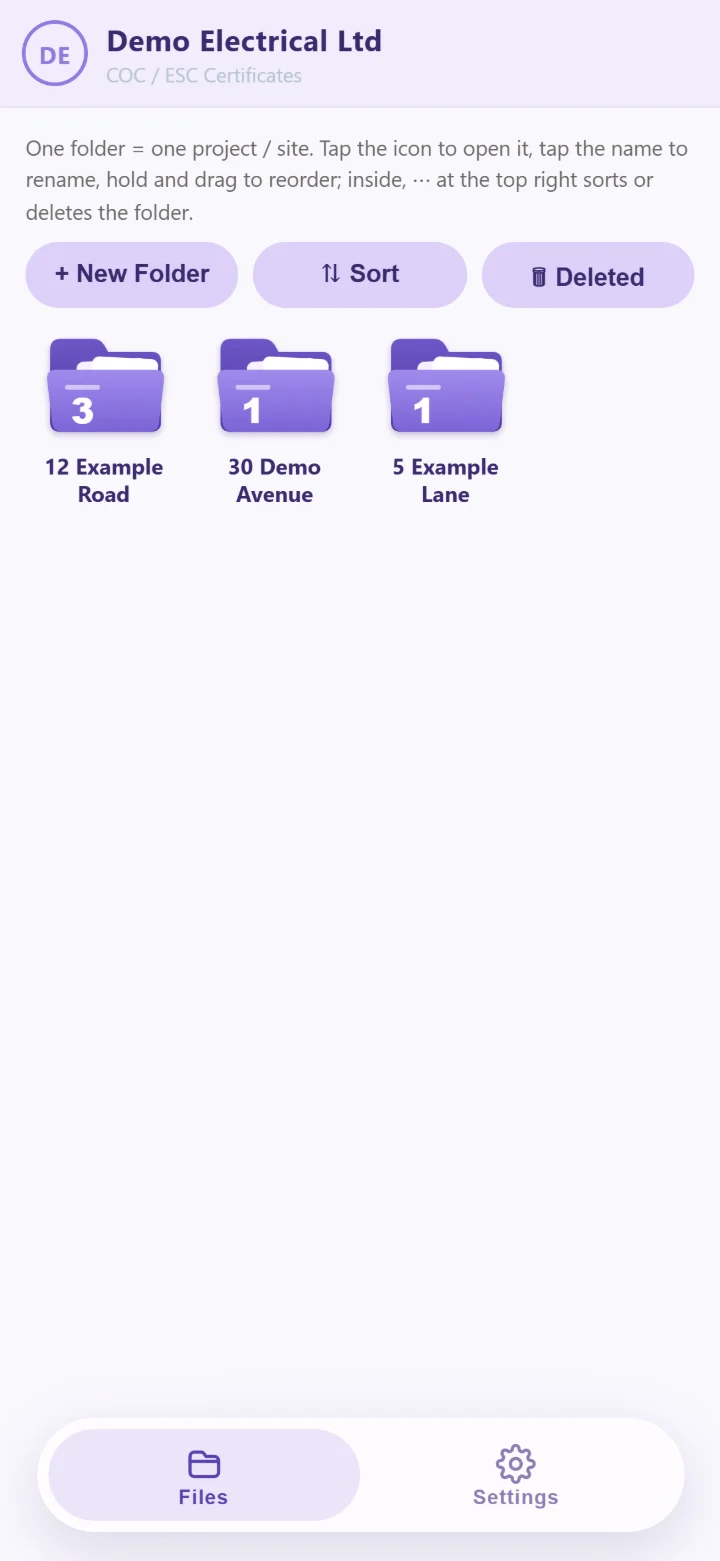
On the home page, tap + New Folder and name the job folder after the job. Tap the folder's icon to open it, then tap + New Certificate.
In a folder that already holds certificates, a new one picks up the reference, location and contact from the last one; the description of work and the persons supervised start empty. The first certificate in a new folder starts with no job details, so nothing from another job is carried in. To repeat a certificate as it is, use Copy in its ⋯ menu.
Step 2: fill in the COC or ESC
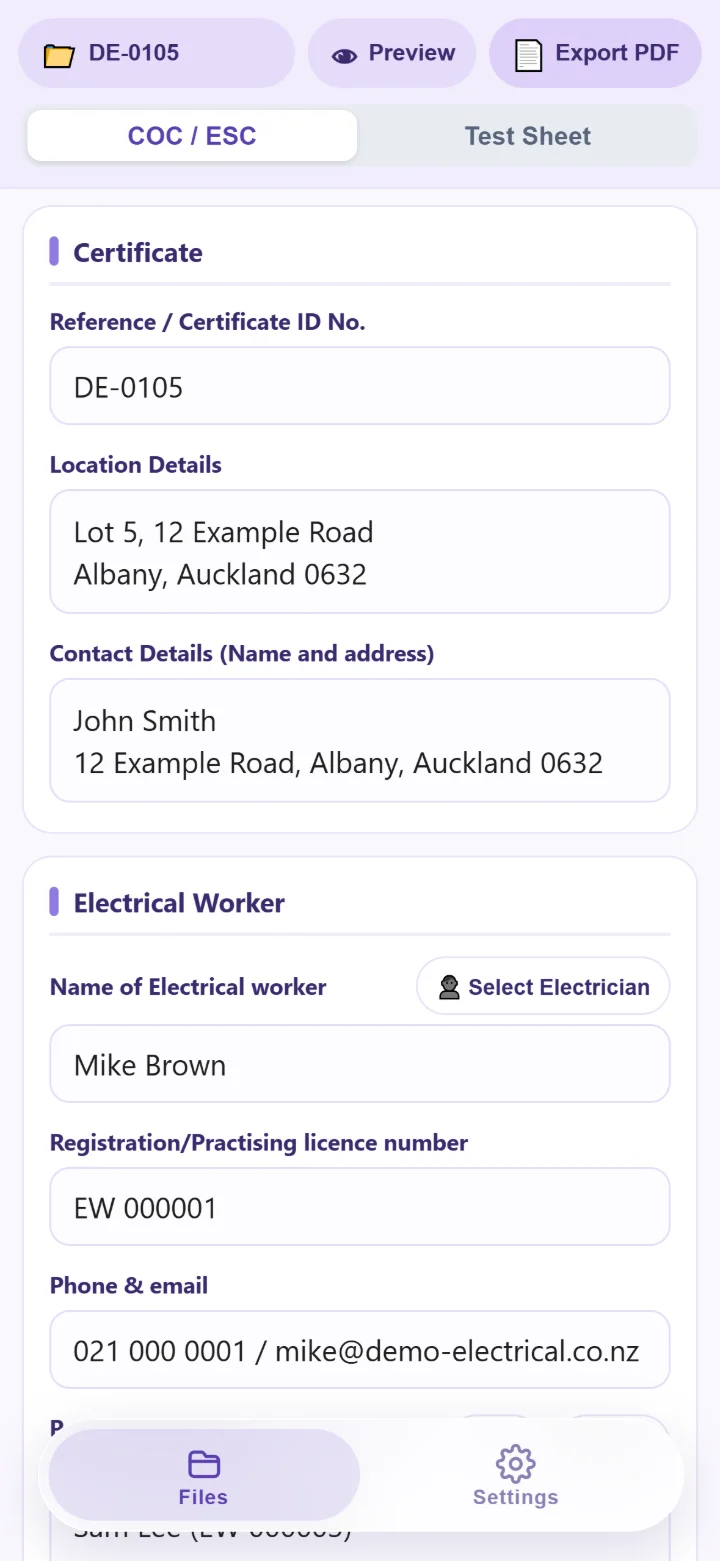
The certificate opens on the COC / ESC tab. The form runs in sections: the certificate details, the electrical worker and the persons supervised, the Certificate of Compliance questions, the description of work and test results, the COC signature, and the Electrical Safety Certificate.
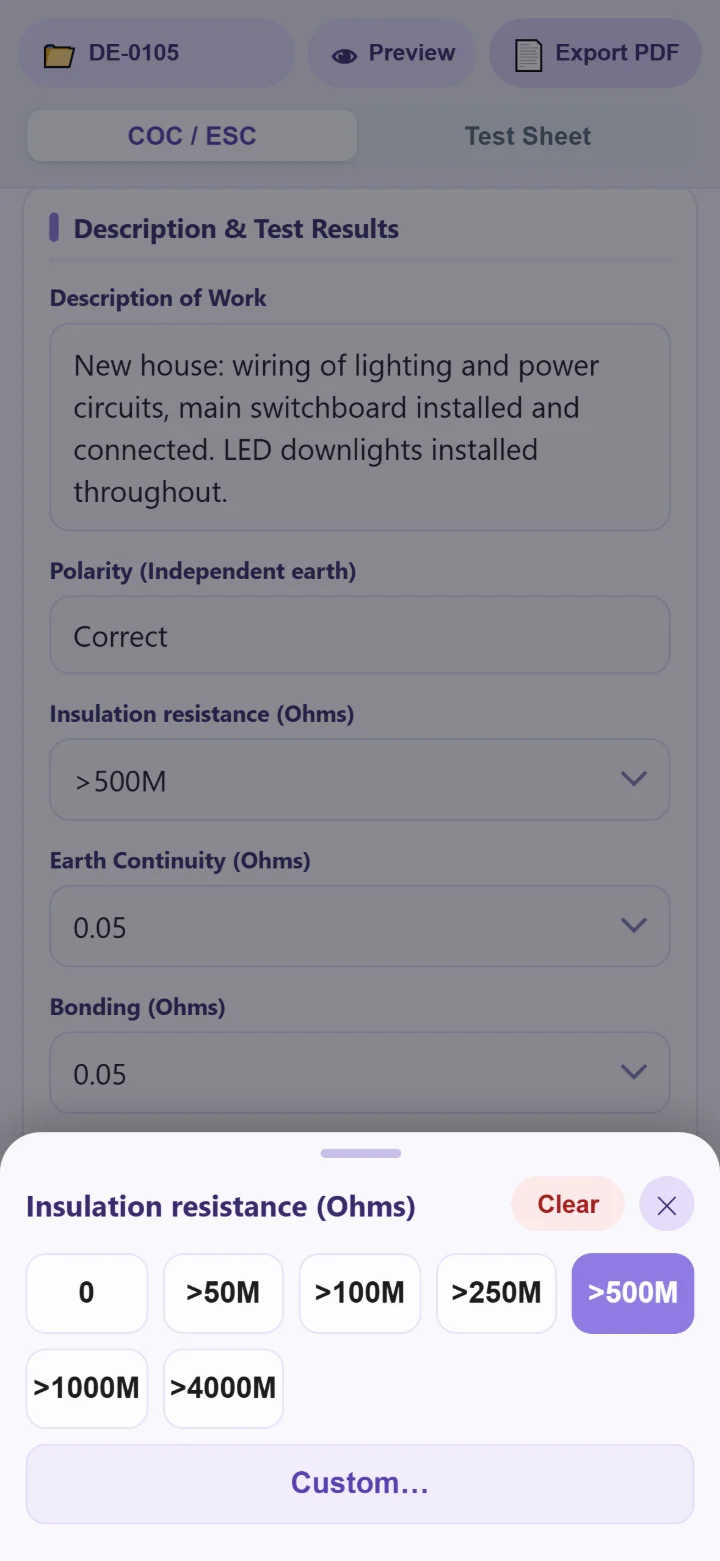
Ticks are a tap. Test values come from panels. The electrician, the persons supervised and the certifier are picked from People, the SDoC link from your SDoC list, and every date has a Today button. Typing is mostly left to the reference, the addresses, the description of work and the specify and identify lines.
Step 3: the test sheet
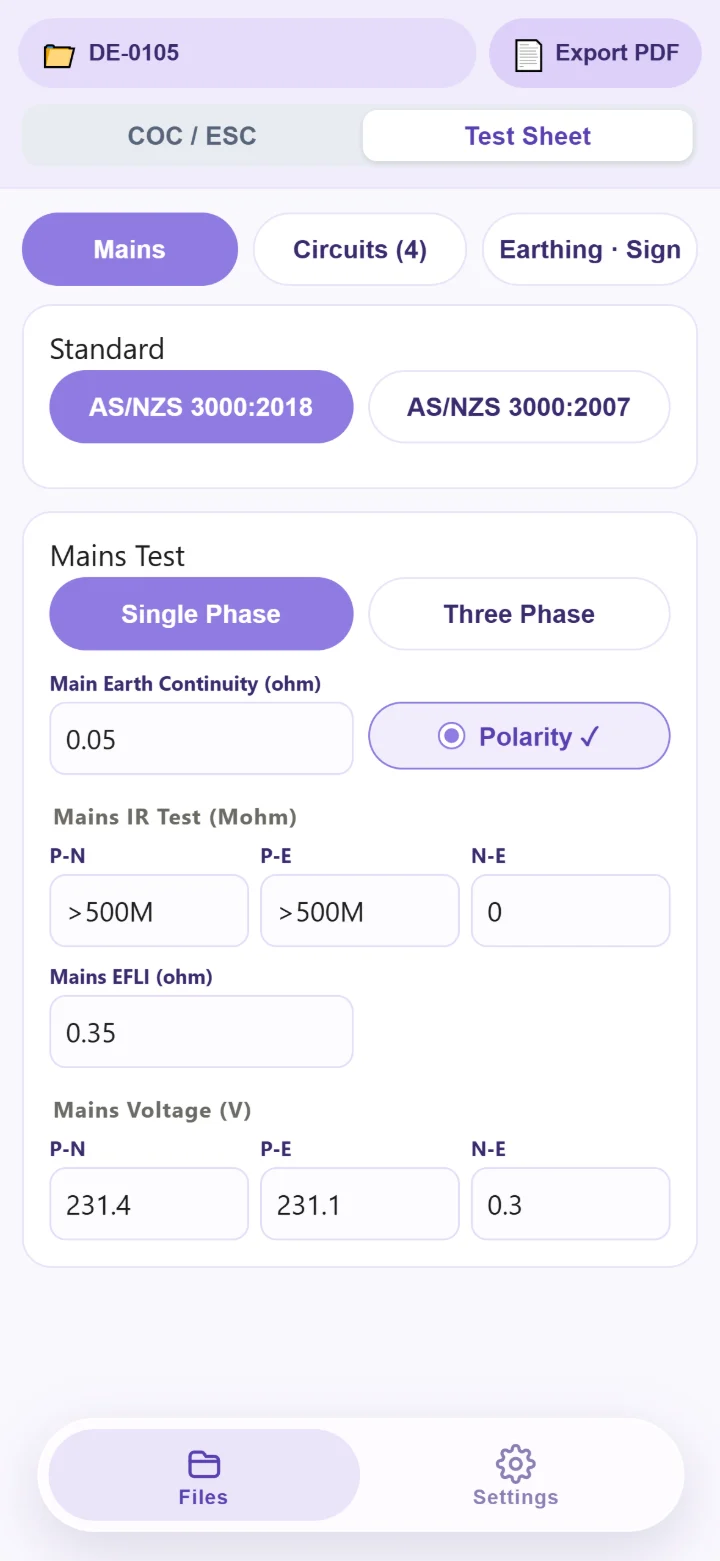
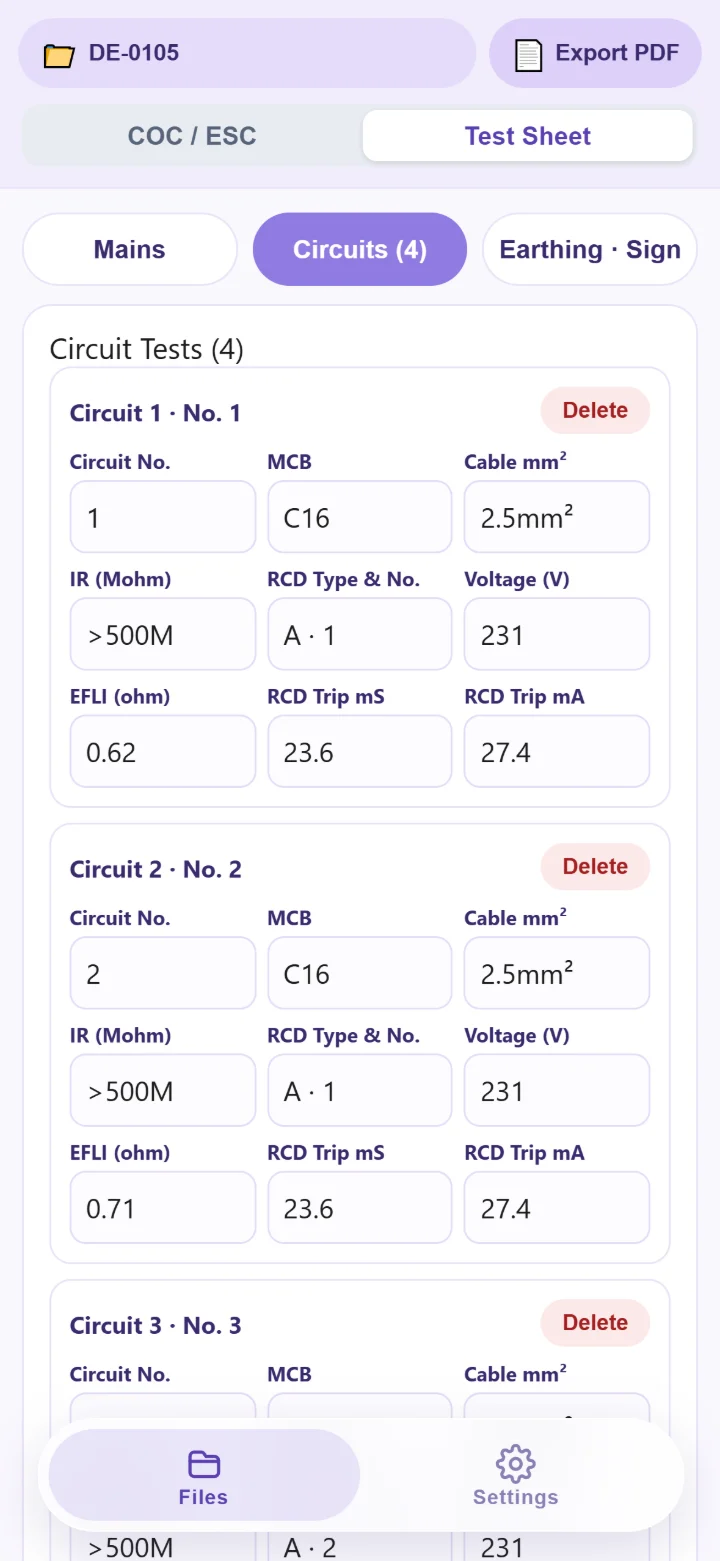
Tap Test Sheet at the top of the certificate. The test sheet has three tabs:
- Mains: Single Phase or Three Phase, main earth continuity, polarity, insulation resistance, voltage and EFLI.
- Circuits: a card per circuit with the circuit number, MCB, cable size, IR, RCD number, voltage, EFLI, and the RCD trip time and trip current.
- Earthing · Sign: earth bonding locations and values, the date, the client and the signature.
The location and contact come from the certificate. In the same folder, a new certificate keeps the mains values from the last one, and its circuits start as two empty cards.
Step 4: the PDF
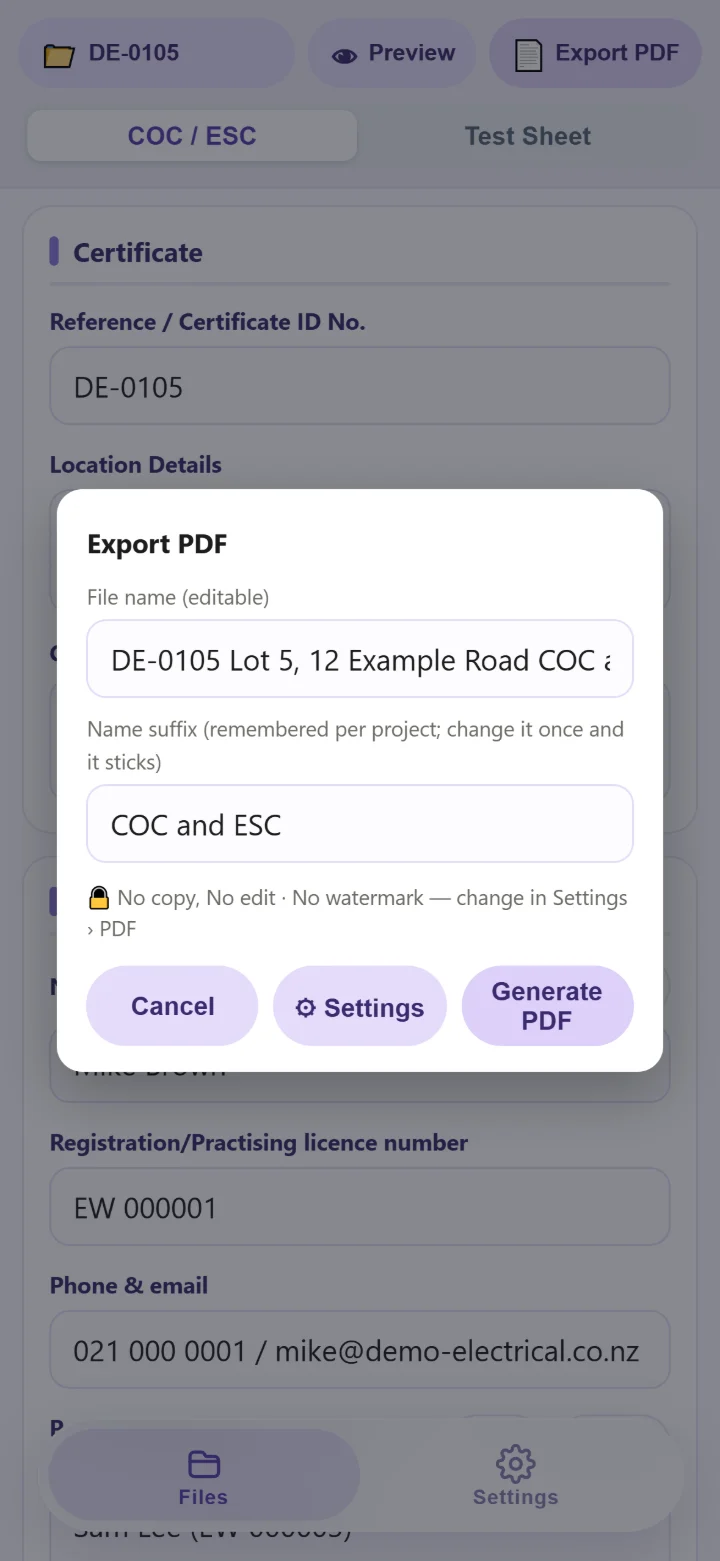
Tap Preview to check the certificate as the A4 form. Export PDF in the top bar makes the certificate PDF; on the Test Sheet tab it makes the test sheet PDF, A4 landscape, headed with the logo of the folder's company. The PDF opens, or goes to the device's share menu, ready to send. PDFs are always in English, whichever language the app is set to.
Everything in the app
COC and ESC
Both certificates in one app; copy the last one or start blank
Test sheet
Mains, circuits and earthing; single or three phase
Job folders
One folder per job; new certificates pick up the job details
People and signatures
Electricians with registration numbers and signatures
Companies
More than one company, each with its details and logo
SDoC links
Keep SDoC links in a list and pick one onto the certificate
Recently deleted
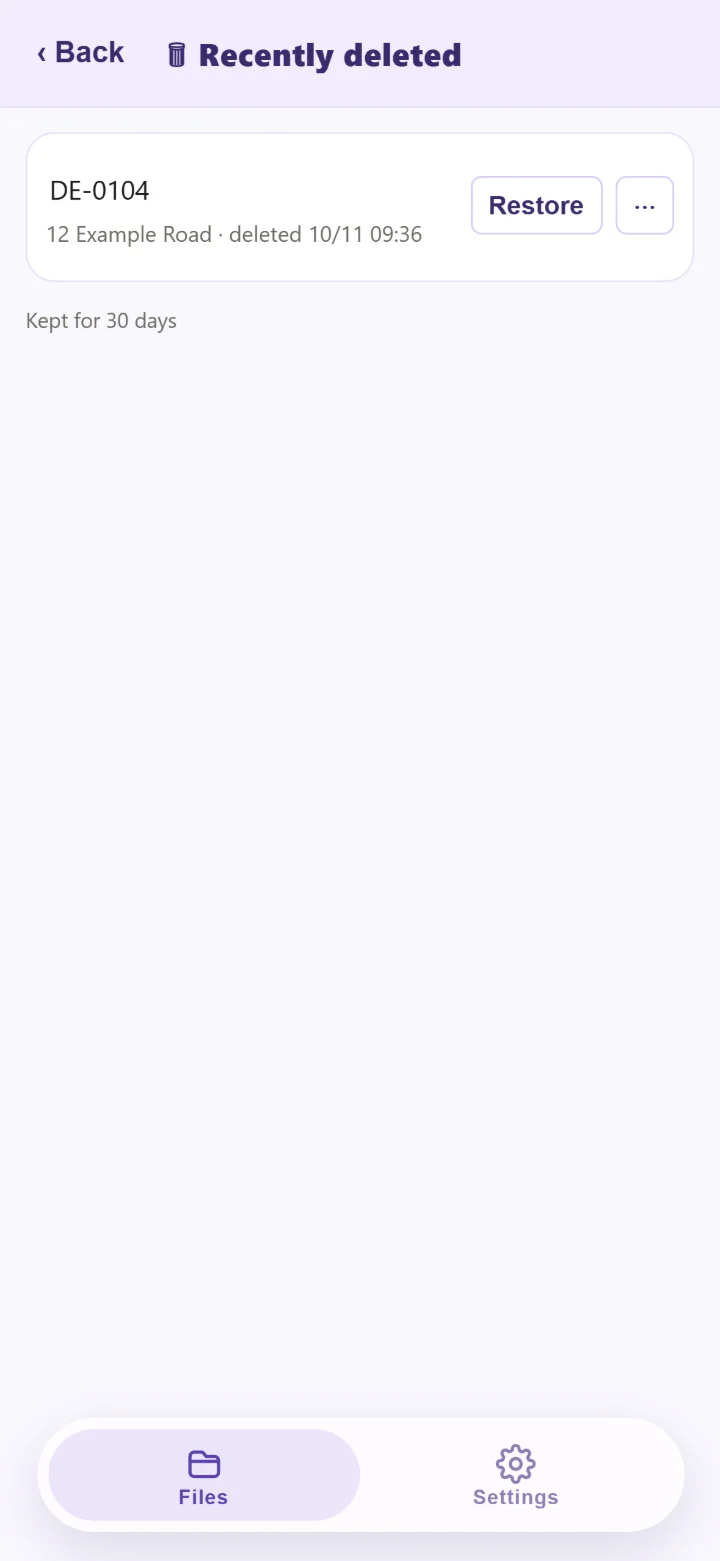
Restore a deleted certificate within 30 days
Sign-in, devices, the trial and your data are covered in COC / ESC app questions. The COC / ESC user guide goes through the same steps with screenshots, in English and in Chinese.
Screens
Price
Monthly
NZ$15.99 incl. GST
per month
Cancel any time; access continues to the end of the paid month.
Yearly
NZ$159.99 incl. GST
per year
NZ$31.89 less than twelve months paid monthly.
30-day free trial, started on the account page with a card; after the trial the plan you chose is charged automatically — cancel during the trial and nothing is charged. During the free trial you can export up to 20 PDFs a day; the limit ends once the plan is paid. 3 devices signed in at the same time. An extra device is NZ$5.99 a month or NZ$59.99 a year, GST included.
Plans, the trial, refunds and extra devices are set out under COC / ESC pricing.
FAQ
Can I start a certificate from the last one?
Yes. + New Certificate in the same folder picks up the job details from the last certificate there. Copy in a certificate's ⋯ menu duplicates it, the description of work and persons supervised included.
Is the test sheet filled in separately?
No. It is a tab of the certificate, so the location and contact come across. It exports as its own PDF from the Test Sheet tab.
What if a value is not on the panel?
Every panel ends with Custom…, where any value can be entered.
Where are the rules for COCs and ESCs explained?
In COC and ESC explained and prescribed electrical work. The app records what you certify; it does not decide which certificate a job needs.