
 Open Client Check
 Open COC / ESC
Client Check is software for electrical contractors, made by one: Adams Apple Electrical, the Auckland electrical business of Adam Xu, Registered Electrician. Each feature answers something that cost us time or money on our own jobs, and we use it on every one of them.
Five problems on every job
Quoting from plans takes an evening
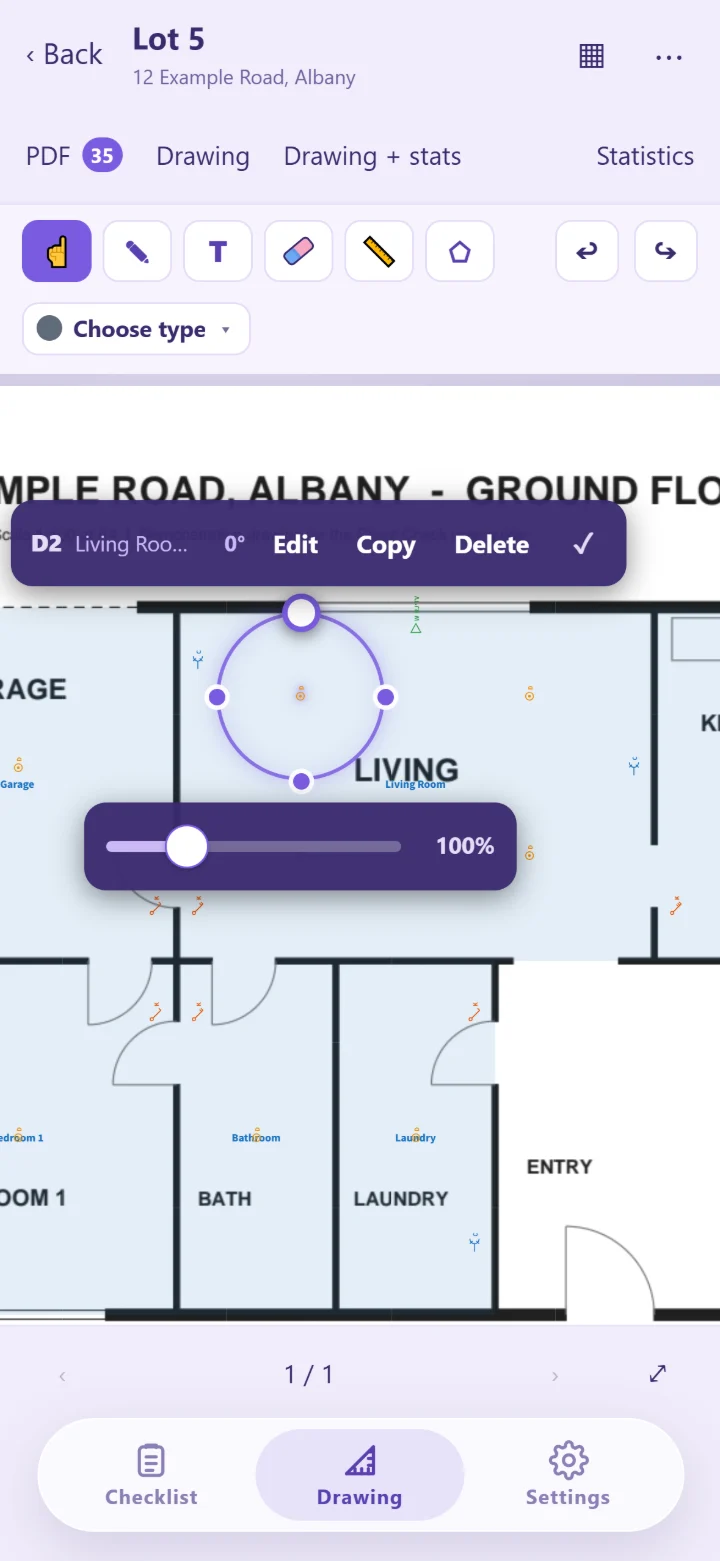
Counting points off a set of plans, room by room, and again when the revised set arrives. In Client Check the points are placed on the PDF plan and the rooms outlined; the count for each room comes from the drawing, and a revision means moving points, not recounting. The drawing and points page shows how.
The client remembers a different scope
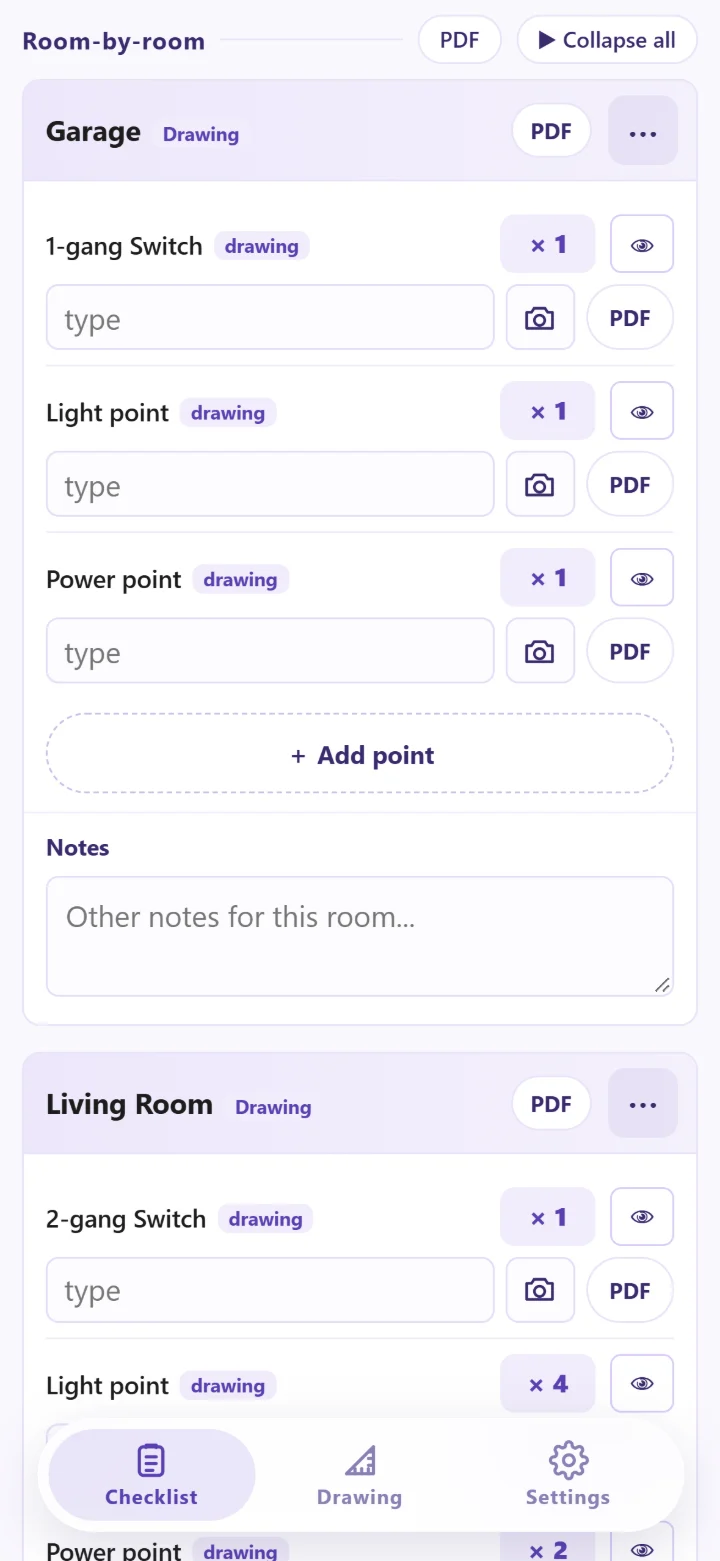
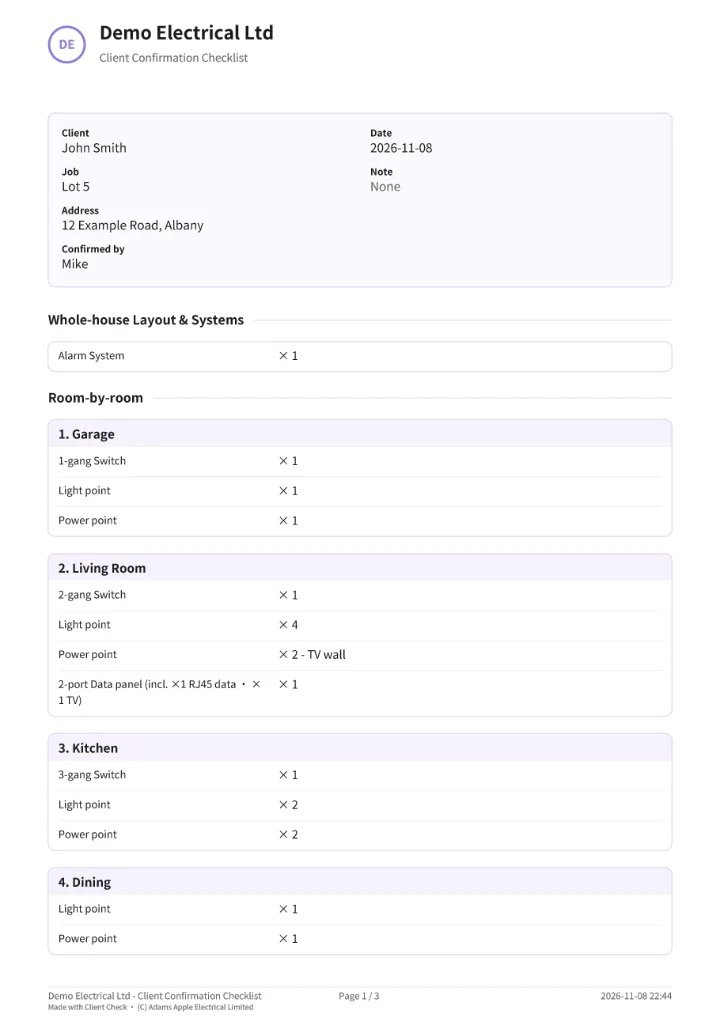
A scope disagreement starts with a point the client thought was included. Every job of ours starts with a room-by-room list of every switch, socket and light point, which the client confirms on the client confirmation form before work starts; the form has a place to sign. The client walkthrough checklist shows how we run it.
Extras agreed on site
Variations agreed in passing are easy to forget by invoice time. Variation orders come from your own catalogue, each with its type, price, quantity and discount, and go on the same checklist in their own section, apart from the confirmed scope, so the extra is priced and written down before it is done.
Chasing progress payments
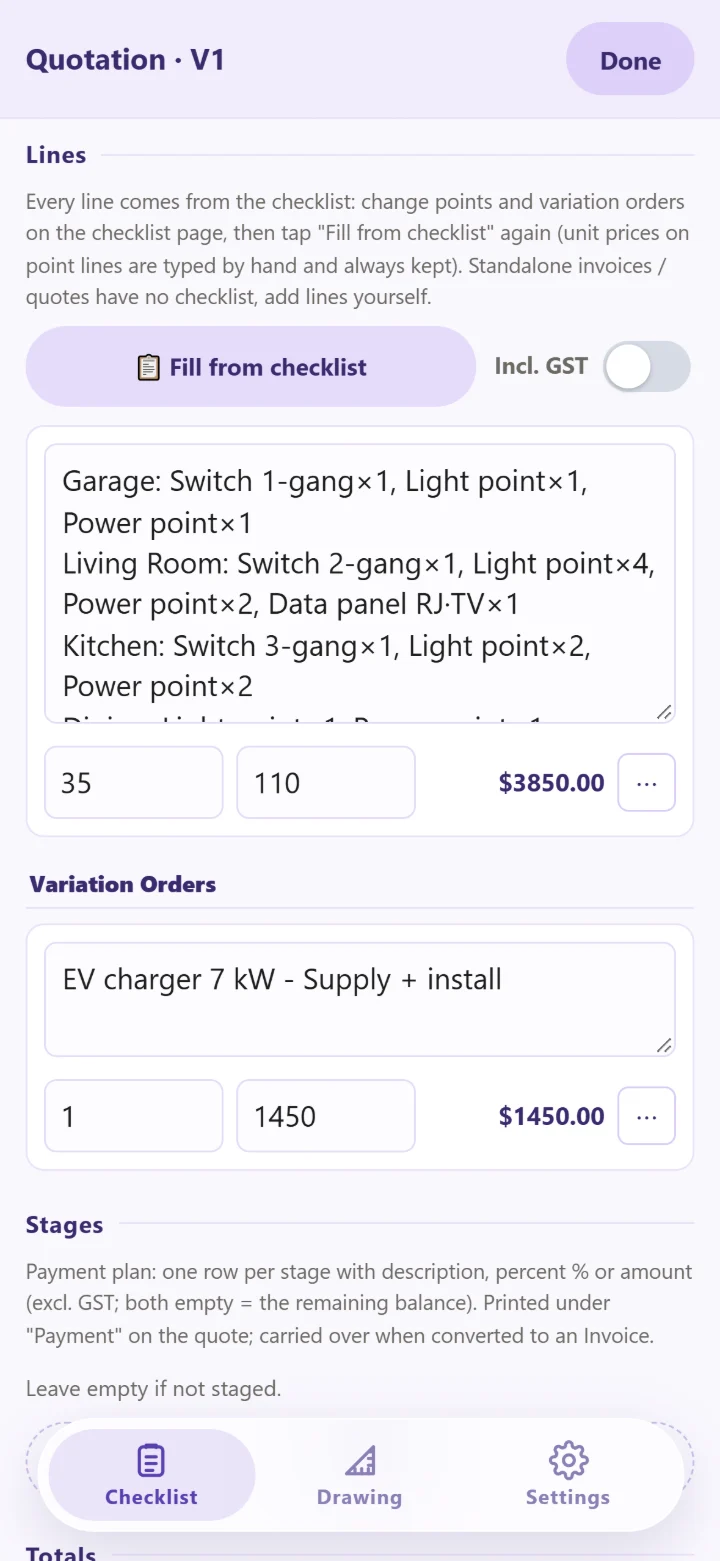
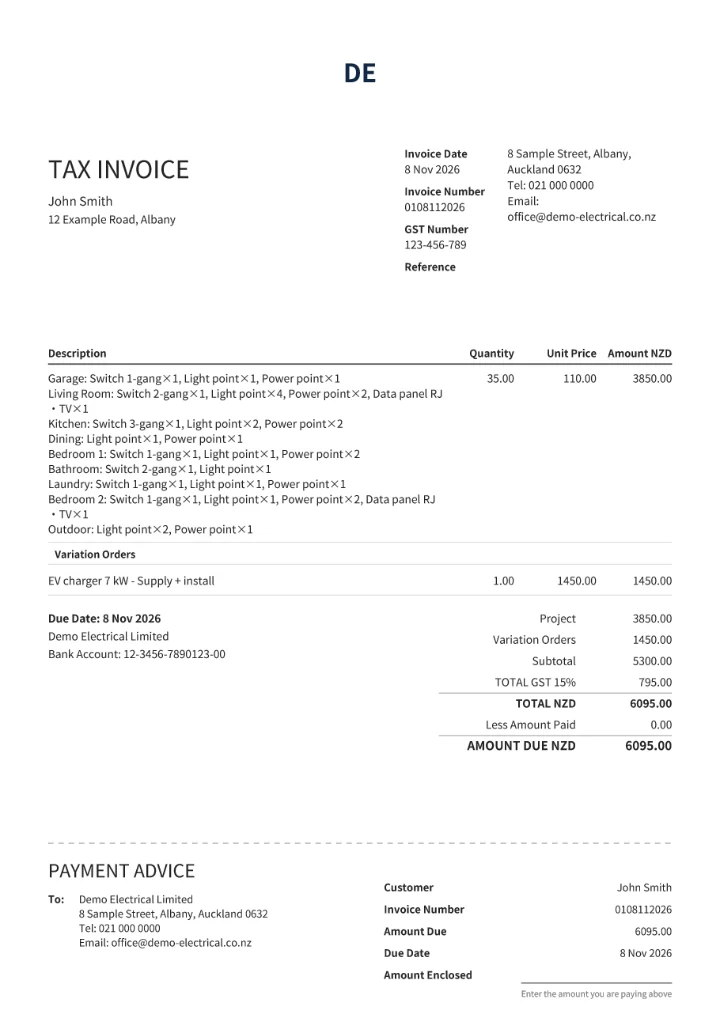
Payment stages written on the quote carry into the invoice. Each stage is issued as its own invoice with GST at 15%, and every invoice shows the amount paid and the amount still due, so neither side has to work out what has been paid. Progress invoicing for electricians sets out the method.
PDFs typed at night
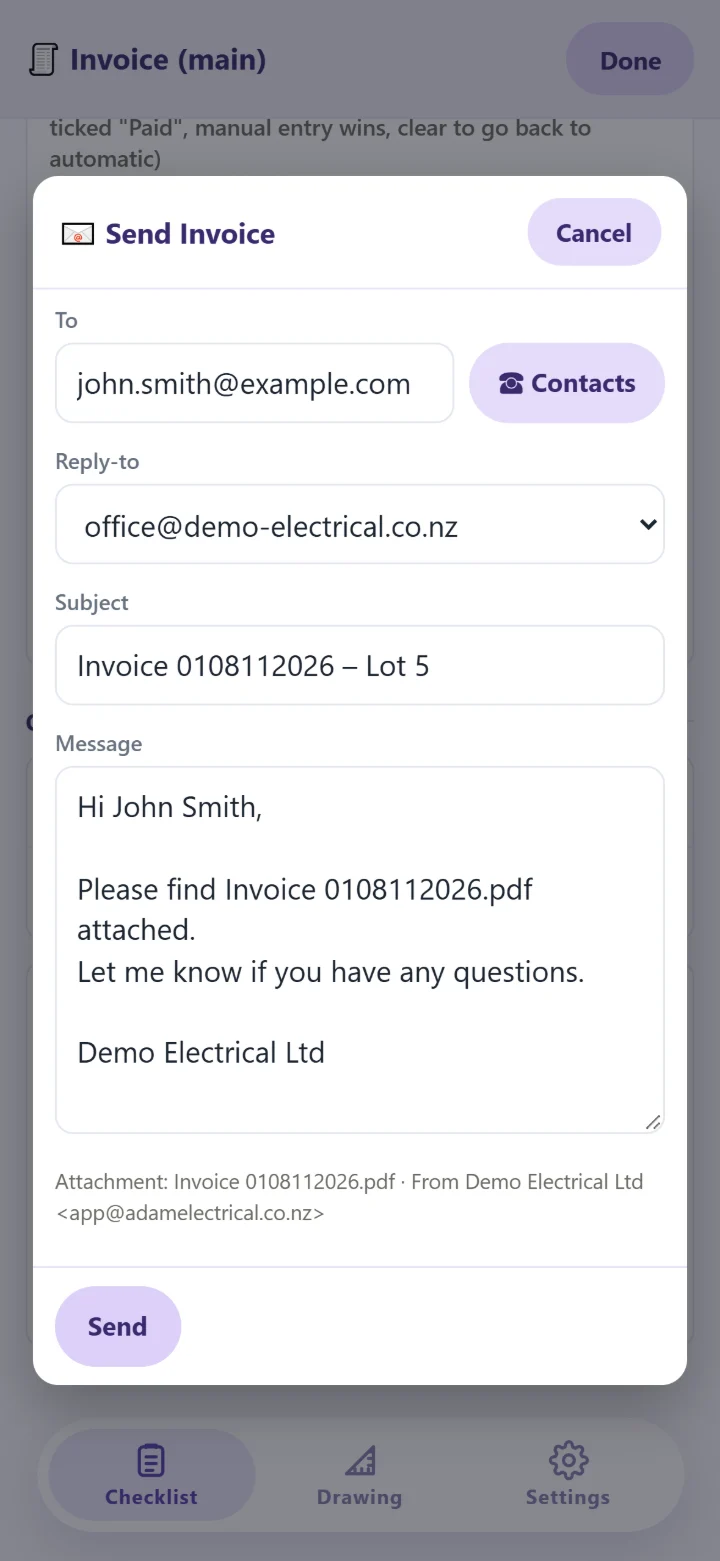
The quote, the invoice and the checklist used to be typed into Word one at a time. Client Check makes the confirmation form, quote, invoice, drawing and photo PDFs and the purchase list from one list, with your company details, and emails them from the app. Quotes and invoices are in English; the other PDFs can be in Chinese or English.
How a job runs in Client Check
- Mark the points on the plan. Upload the PDF, long-press to place points and outline each room.
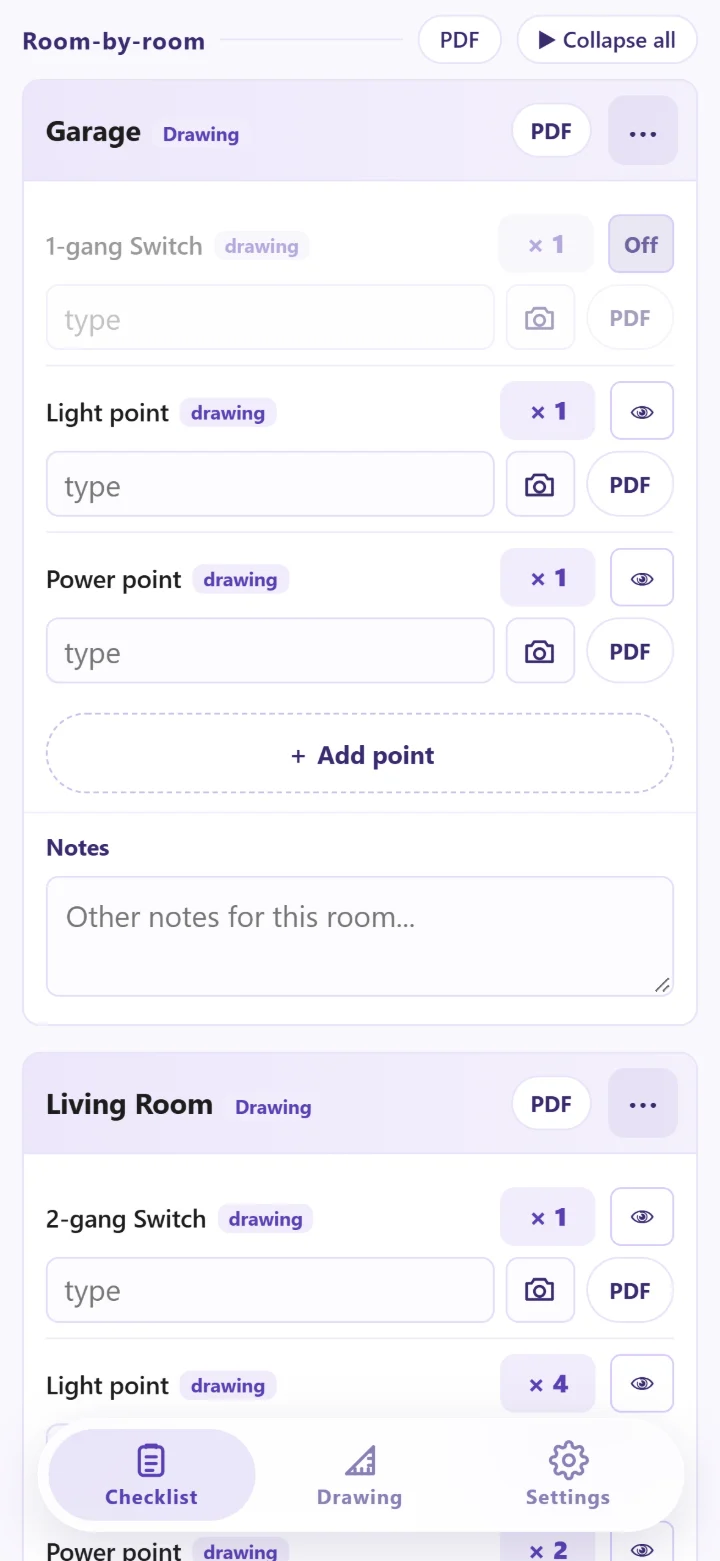
- The checklist fills itself. Each room lists its points and quantities from the drawing.
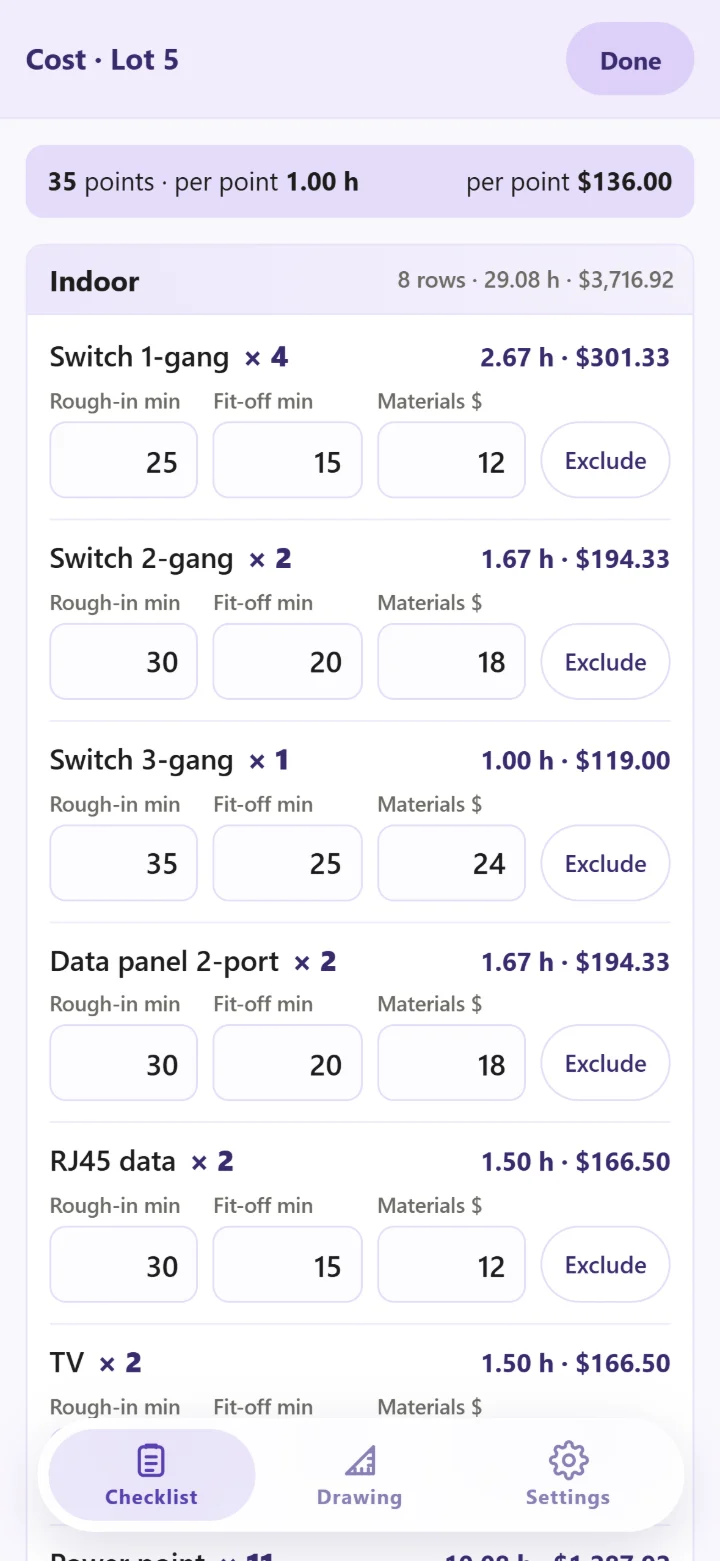
- Cost, quote and invoice from the same list. Estimating from your own minutes and material costs gives the cost; quotes and invoices carry the stages.
- PDF to the client, straight from the app. Confirmation form, quote and invoice, emailed from the app.
The four steps are set out in full in how it works.
One electrician or a small team
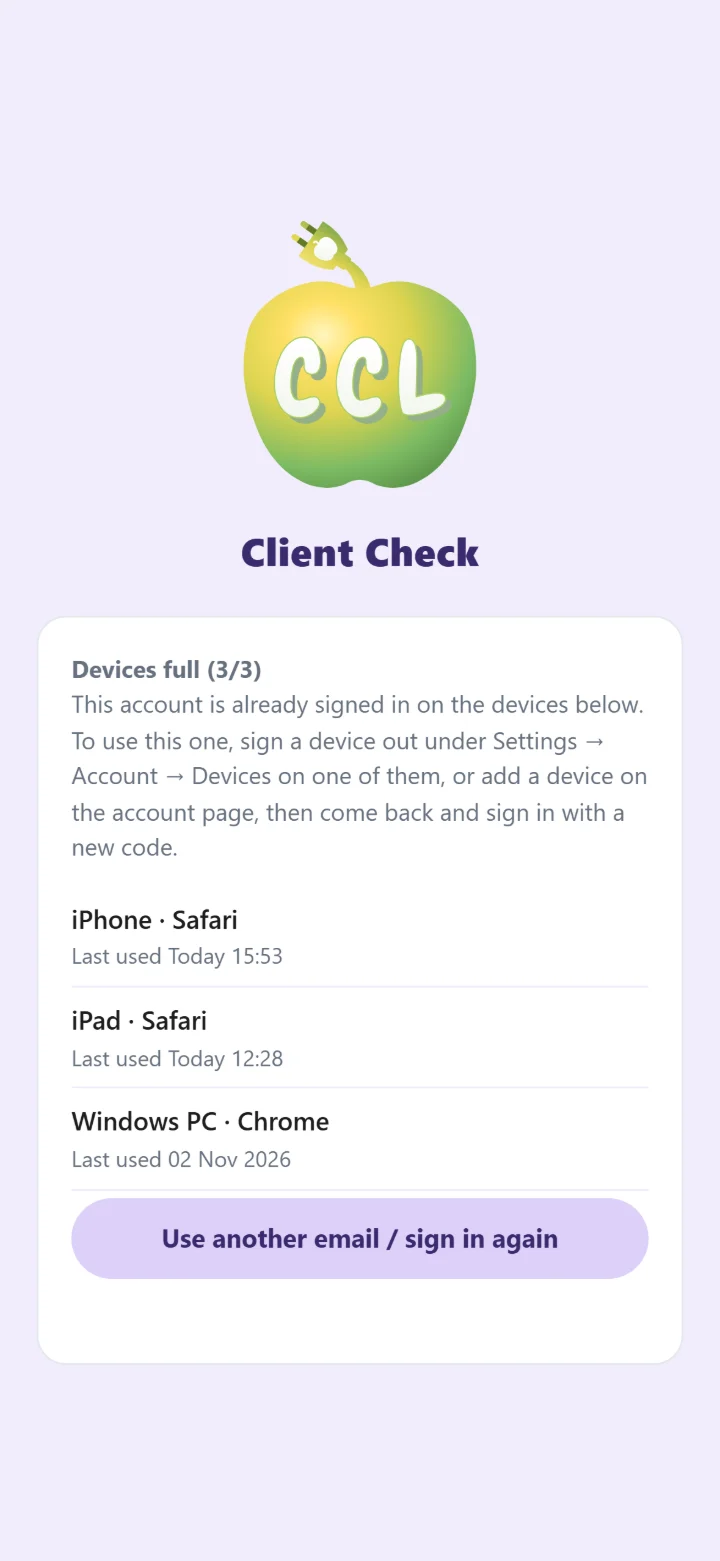
One account covers one business. A sole trader signs in on a phone and an iPad; a small team shares the account, with 3 devices signed in at the same time and more added one at a time. Everything is on the server, so the office and the site see the same unit; data and security sets out how sign-in works on a shared account. A contractor trading under more than one company keeps a company card for each.
What is in the app
Drawing and points
PDF plans, point types, room outlines, measure and drawing PDFs
Room checklist
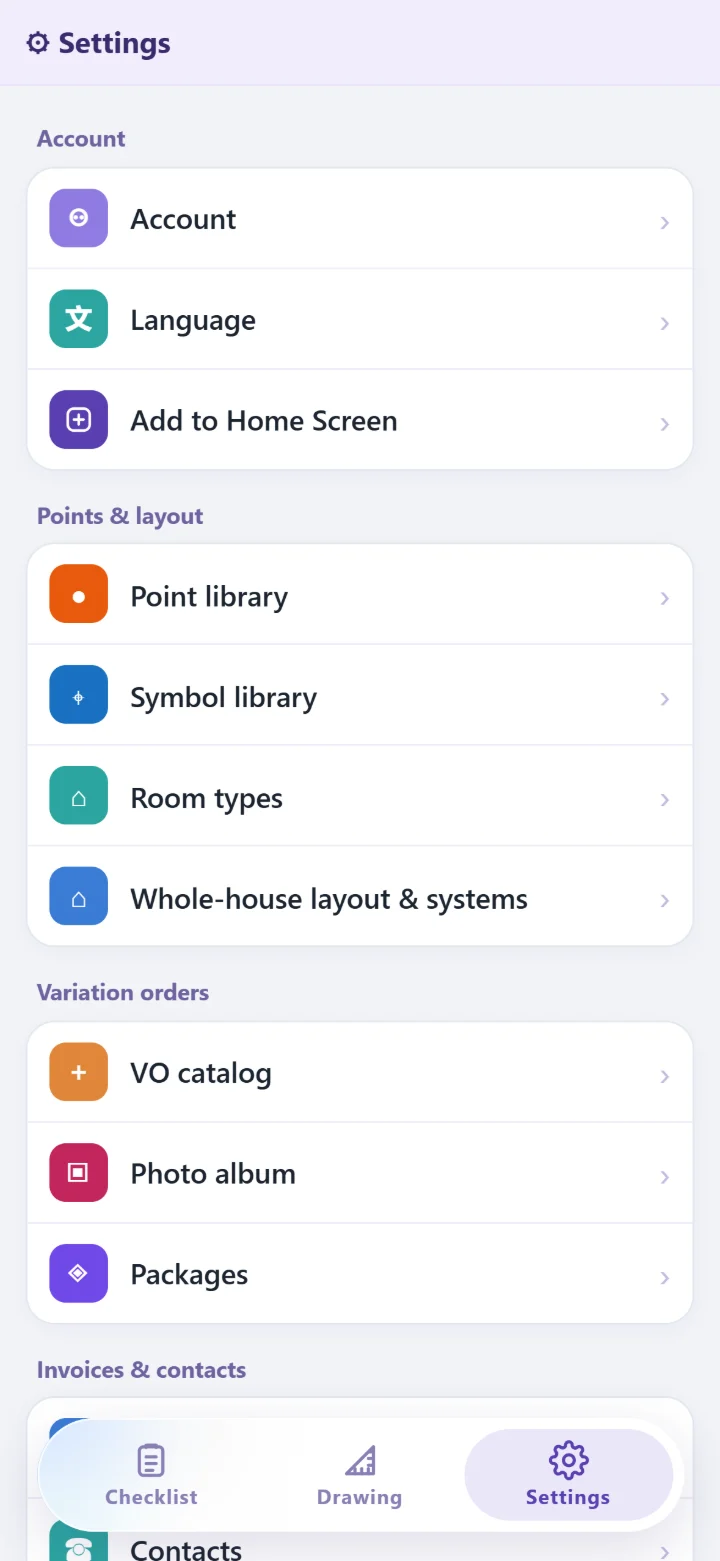
Rooms from the drawing or by hand, a point library, variations
Quotes
Numbers, versions, status, payment stages, convert to invoice
Invoices
Final and progress invoices, GST 15%, paid and due
Cost and purchase list
Labour minutes and materials per point type, purchase list PDF or Excel
Photos
Photos on any row, photo PDFs per row, room, block or unit
Email to client
Send quotes and invoices with the PDF attached, replies to your mailbox
Chinese and English
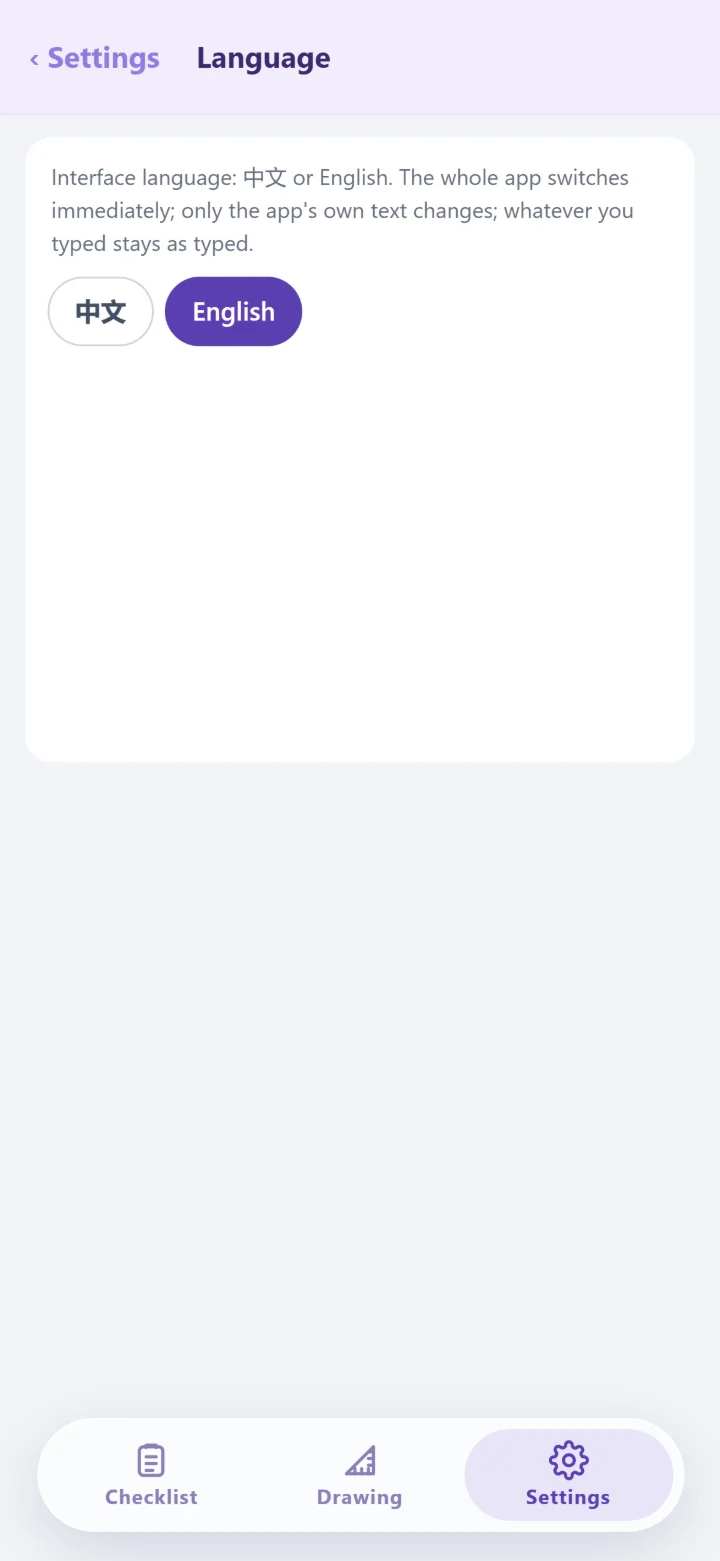
The whole app in Chinese or English, quotes and invoices in English
Devices and sync
Everything on the server, 3 devices signed in, add more
Your company on every PDF
Name, logo, GST number and bank account on every document
Screens
Price
Monthly
NZ$199 incl. GST
per month
Cancel any time; access continues to the end of the paid month.
Yearly
NZ$2,000 incl. GST
per year
NZ$388 less than twelve months paid monthly.
30-day free trial, started on the account page with a card; after the trial the plan you chose is charged automatically — cancel during the trial and nothing is charged. During the free trial you can export up to 20 PDFs a day, and emails cannot be sent from the app; both limits end once the plan is paid. 3 devices signed in at the same time. An extra device is NZ$99 a month or NZ$1,000 a year, GST included.
Billing, the trial and refunds are on the pricing page; sign-in, devices and data are answered under questions, and every screen is in the user guide.
FAQ
Who is it for?
Electrical contractors, from one electrician to a small team sharing one account.
Do you use it on your own jobs?
Yes. Client Check was built on our own jobs at Adams Apple Electrical, and every job of ours starts with its room-by-room list.
Does it set my prices?
No. You enter your own labour minutes, material costs and hourly rate, and the app works out the cost from them.
Can I try it before paying?
Yes. The 30-day free trial starts on the account page with a card; cancel during the trial and nothing is charged.